 Local Recorder
Local Recorder for iPhone and iPad
Record the whole meeting.
Stay in the conversation.
Local Recorder is a free voice recorder built for long meetings, lectures, and interviews. It keeps recording for hours and keeps your audio on your device.
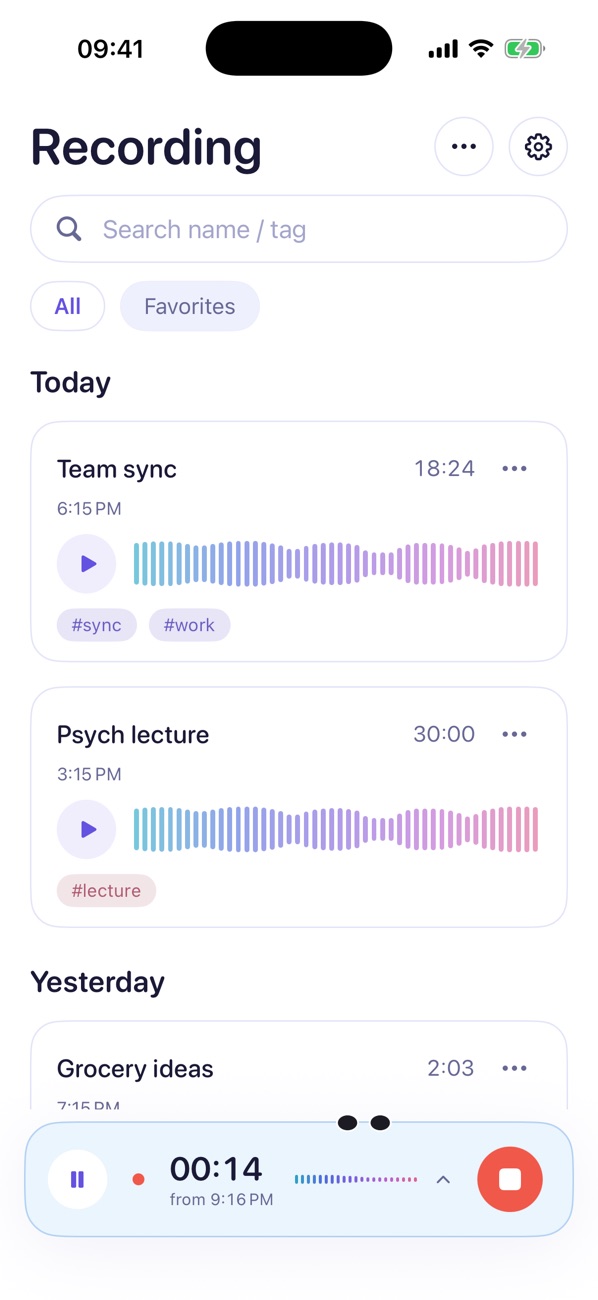
Records for hours
Keeps going in the background and on the Lock Screen.
A reminder in one hold
Hold, speak, let go. Pick when to hear it.
Stays on your device
Recordings are saved on your iPhone or iPad.
Long sessions
Let it listen.
For hours.
Tap record and put your phone away. Recording continues in the background and on the Lock Screen.
Stay focused on the conversation, then review your recording when you are ready.
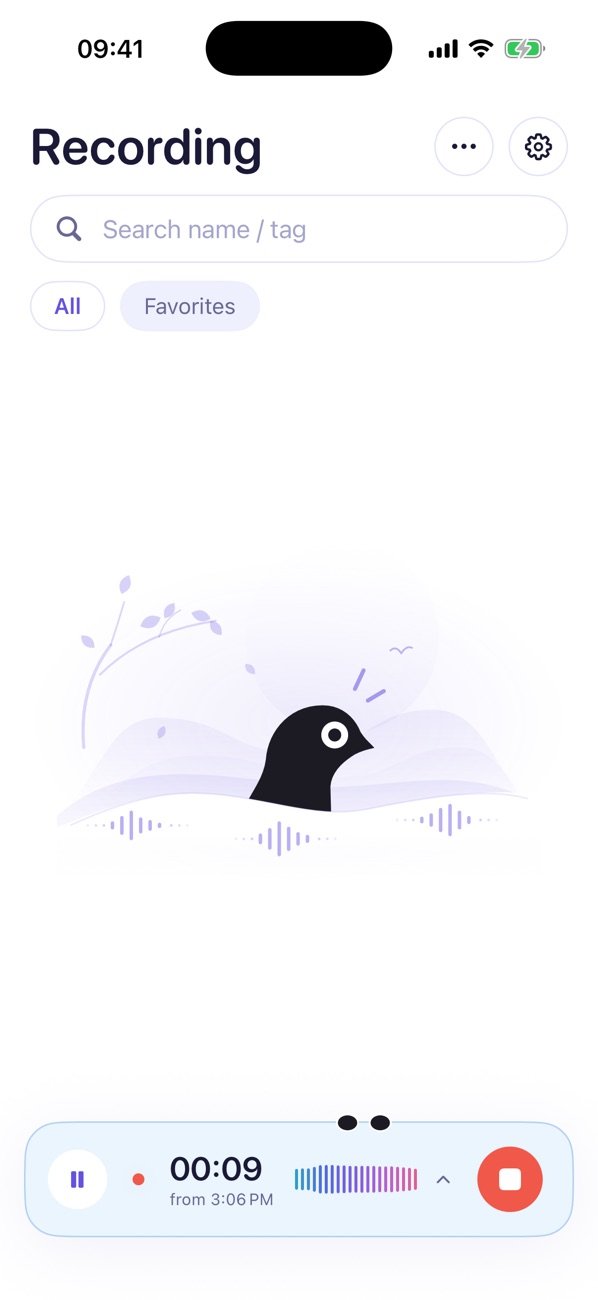
Voice reminders
Hold. Say it.
Get reminded.
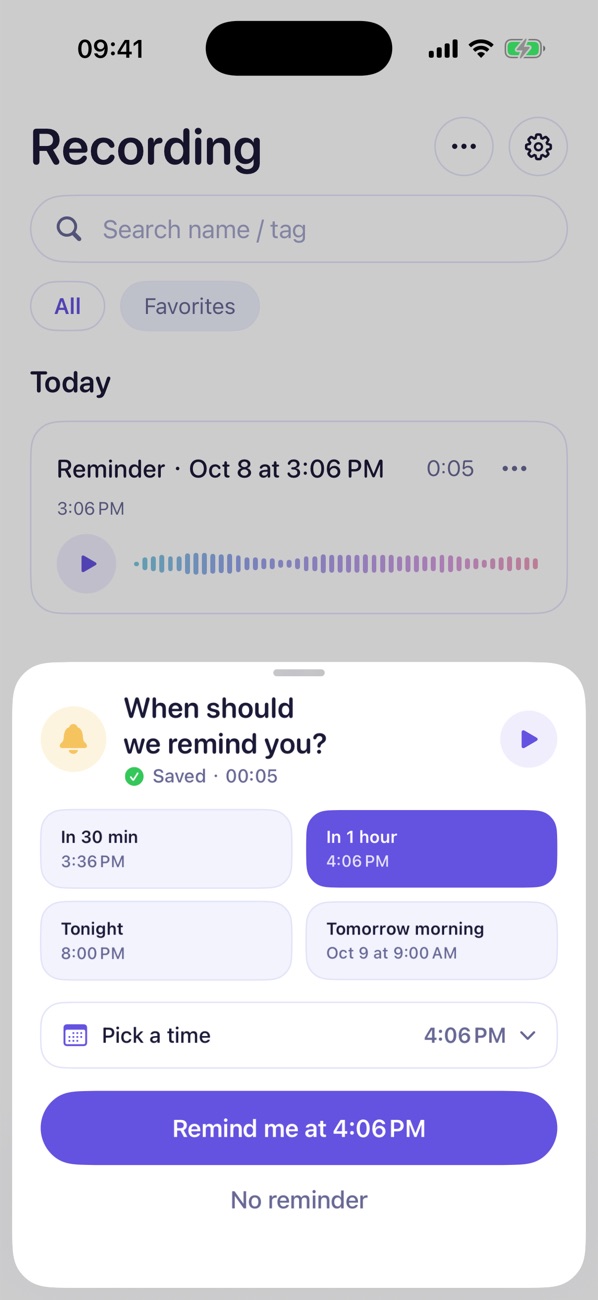
Hold the record button and say what you need to remember. Let go and choose when: in 30 minutes, in an hour, tonight, tomorrow morning, or any time you pick.
Calendar
Find any day
in a tap.
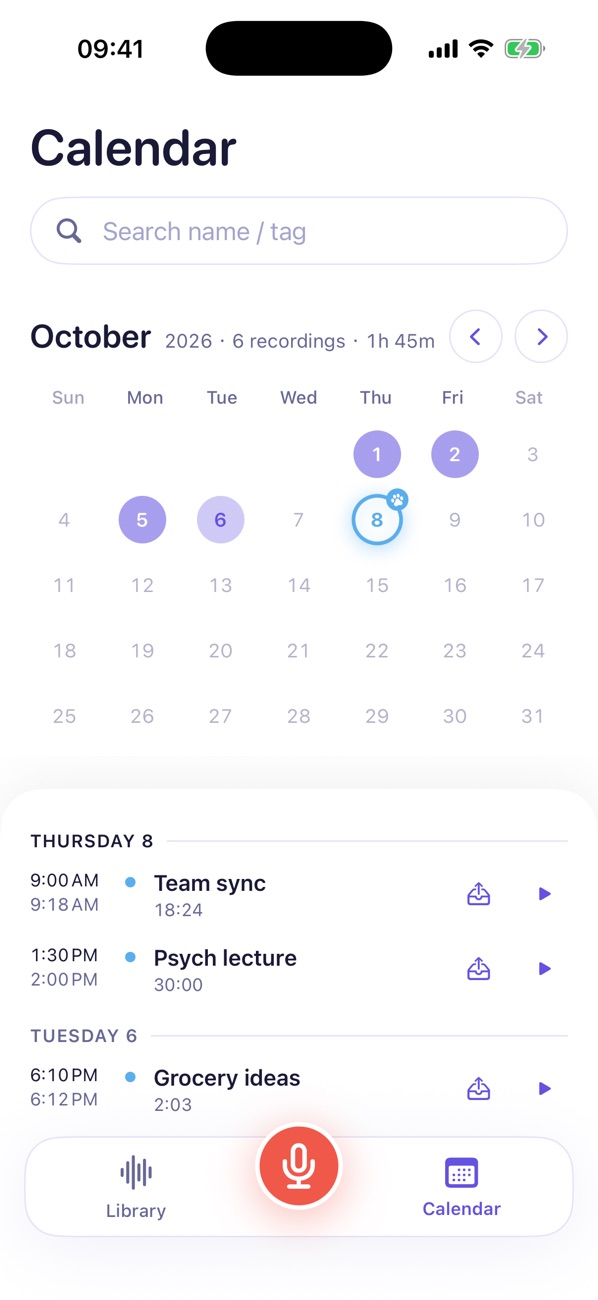
When you archive a recording, it goes into a month calendar. Tap a highlighted day to see what you recorded.
Your recordings are saved on your device.
iPad
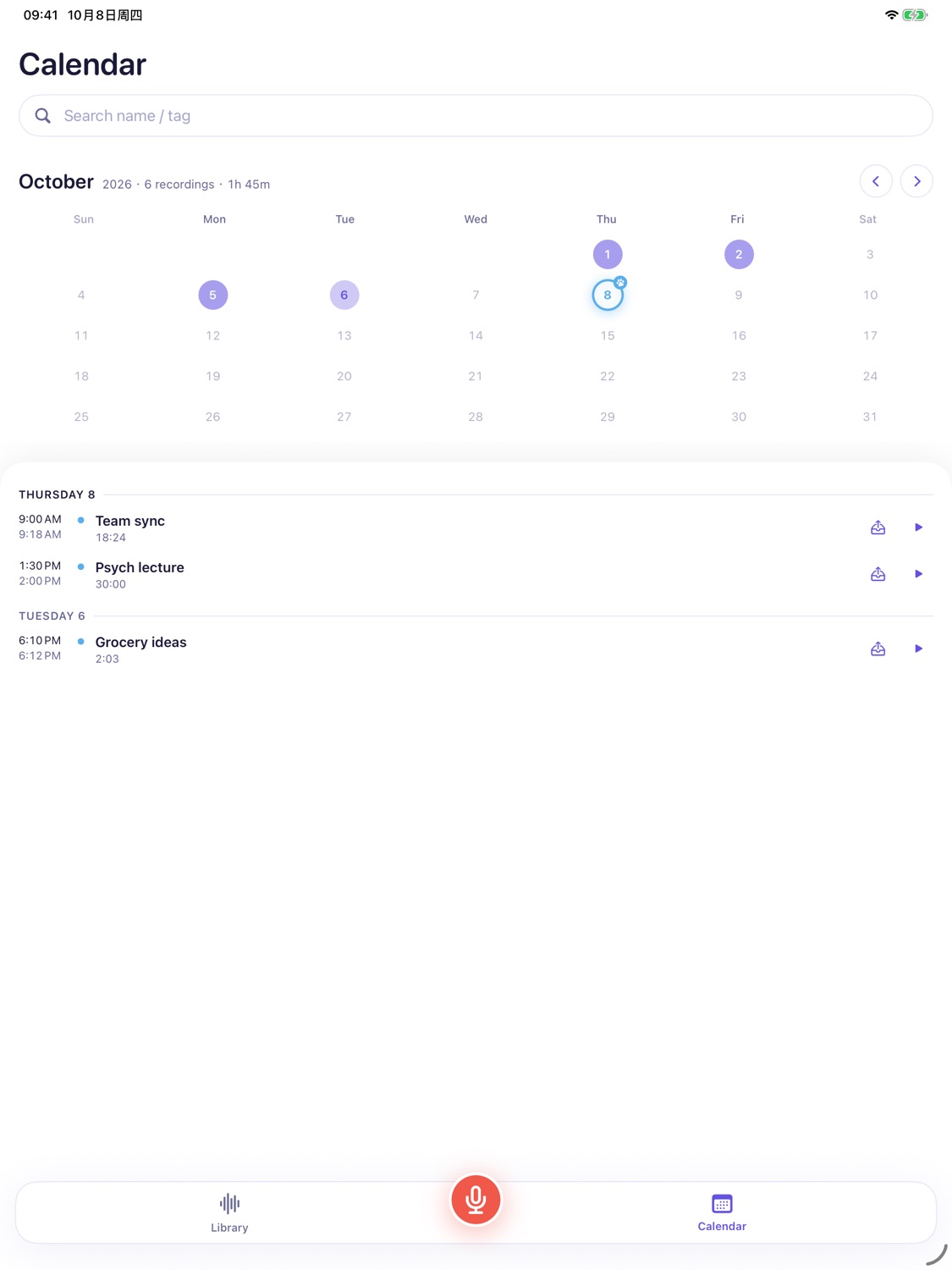
Room to spread out.
The same app runs on iPad. Set it on the table at a meeting or a lecture, and the larger screen gives your calendar and recordings more space.
Local Recorder at a glance
- What it isA voice recorder for iPhone and iPad built for long sessions
- PriceFree, with ads. A rewarded video removes ads for 24 hours
- RequiresiOS or iPadOS 18.5 or later
- StorageRecordings are saved on your device
- Interrupted recordingsReview and save available audio after reopening the app
- Long sessionsBackground and Lock Screen recording; limit of 1–24 hours or none
- SilenceOptional skipping, with four adjustable parameters
- Sharingm4a file, or save to Photos as a video
- LanguagesEnglish, Simplified Chinese, Japanese, Korean
- AccessibilityVoiceOver, Dynamic Type, Reduce Motion
Questions
Does Local Recorder keep recording when the screen is locked?
Yes. Recording continues in the background and on the Lock Screen. You can set an unattended limit of 1, 3, 6, 12, or 24 hours, or no limit.
Where are my recordings stored?
Recordings are saved on your iPhone or iPad.
What happens if the app crashes or the battery dies while recording?
Reopen Local Recorder to check for an interrupted recording. If audio is available to recover, you can review and save it. Some audio may be missing.
How do voice reminders work?
Hold the record button and say what you need to remember. When you let go, the clip is saved and you choose when to be reminded: in 30 minutes, in 1 hour, tonight, tomorrow morning, or a custom time. Reminders need notification permission.
Is Local Recorder free?
Yes, it is free to download and contains ads. Watching a short rewarded video removes ads for 24 hours.
Which languages does the app support?
English, Simplified Chinese, Japanese, and Korean. The app language can be changed independently of your system language.